Drag and drop your image here to upload
Supports JPG, JPEG, PNG or WebP (20MB)
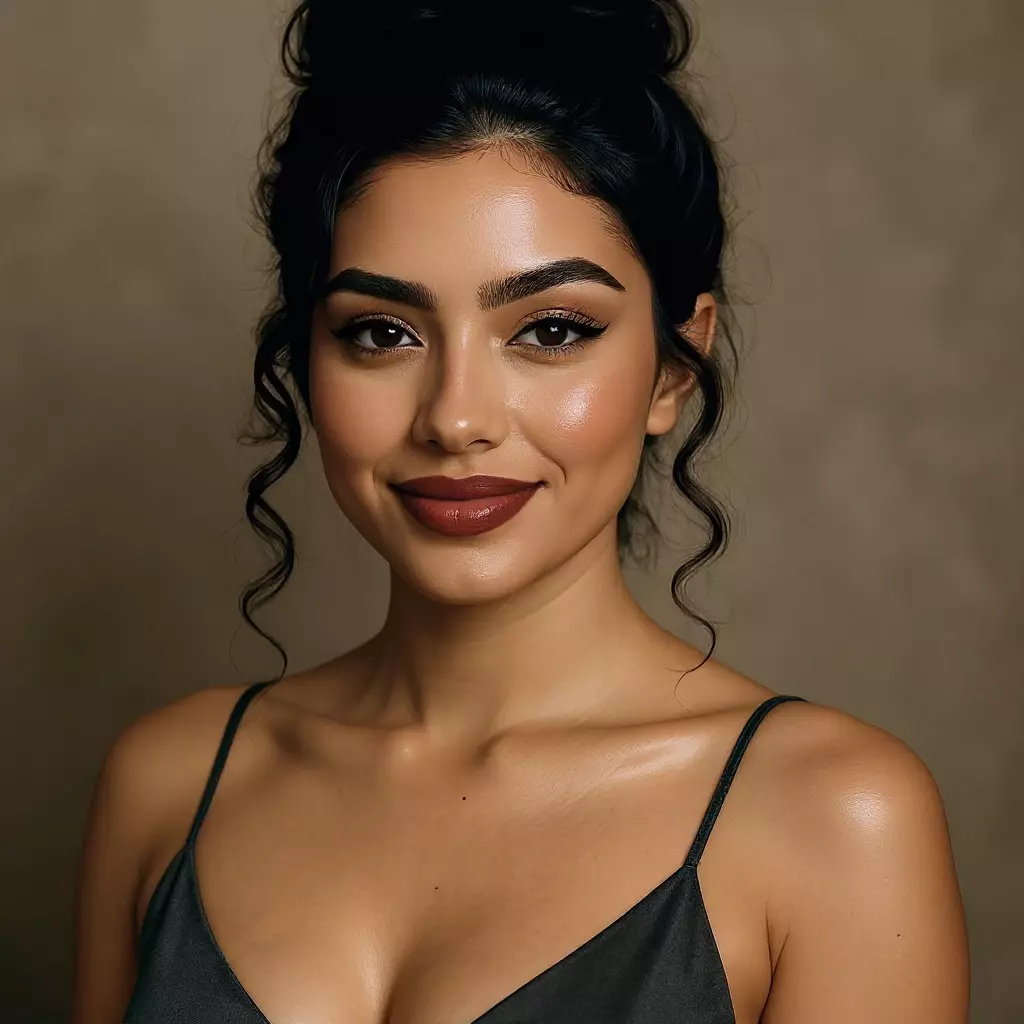
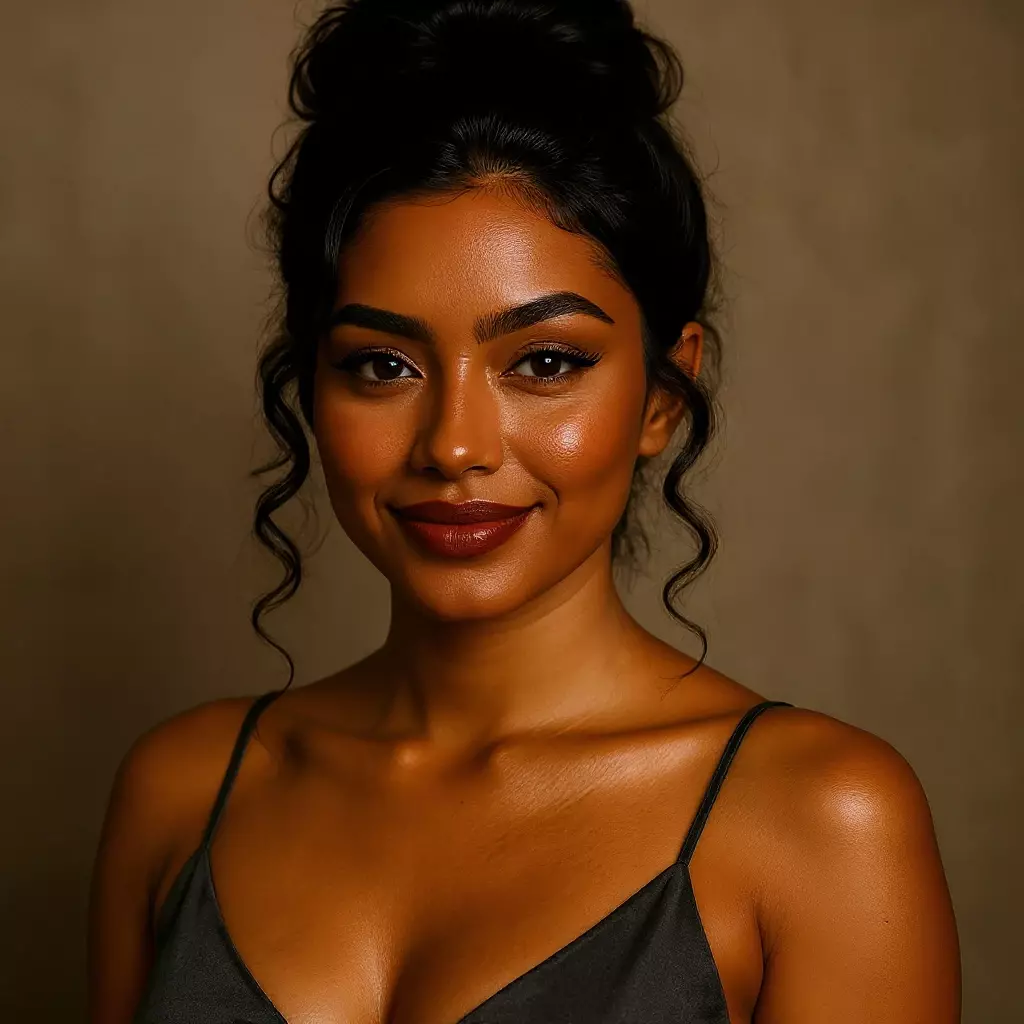
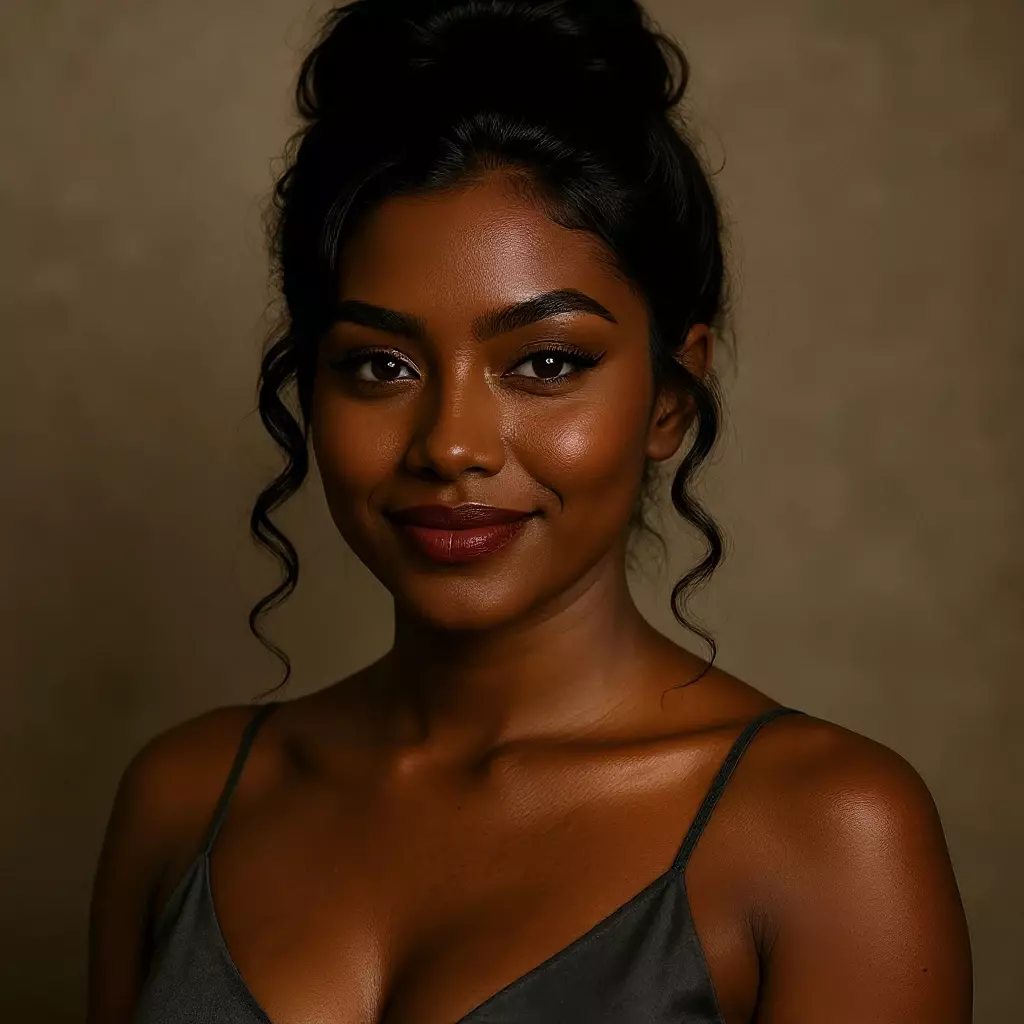
Drag and drop your image here to upload
Supports JPG, JPEG, PNG or WebP (20MB)
AI Change Skin Color - Instantly Create Stunning Realistic Results
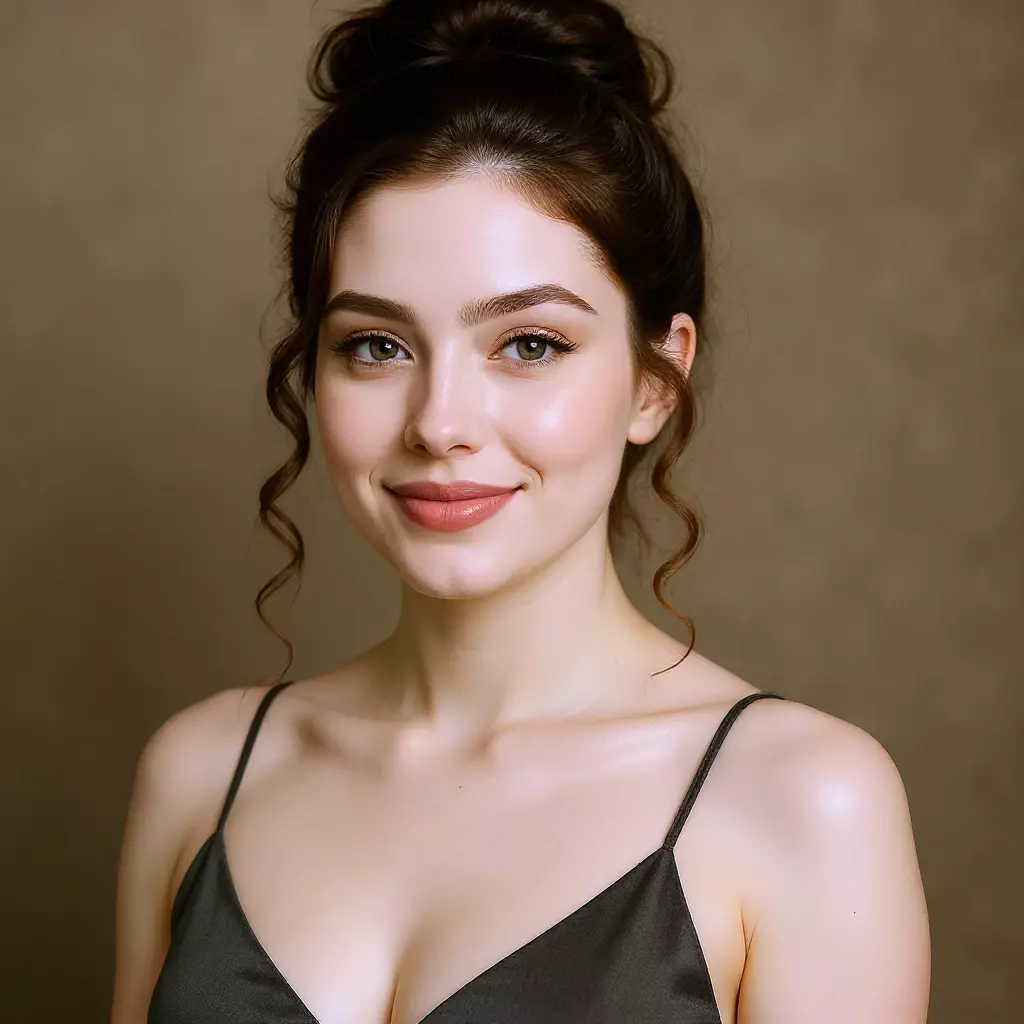
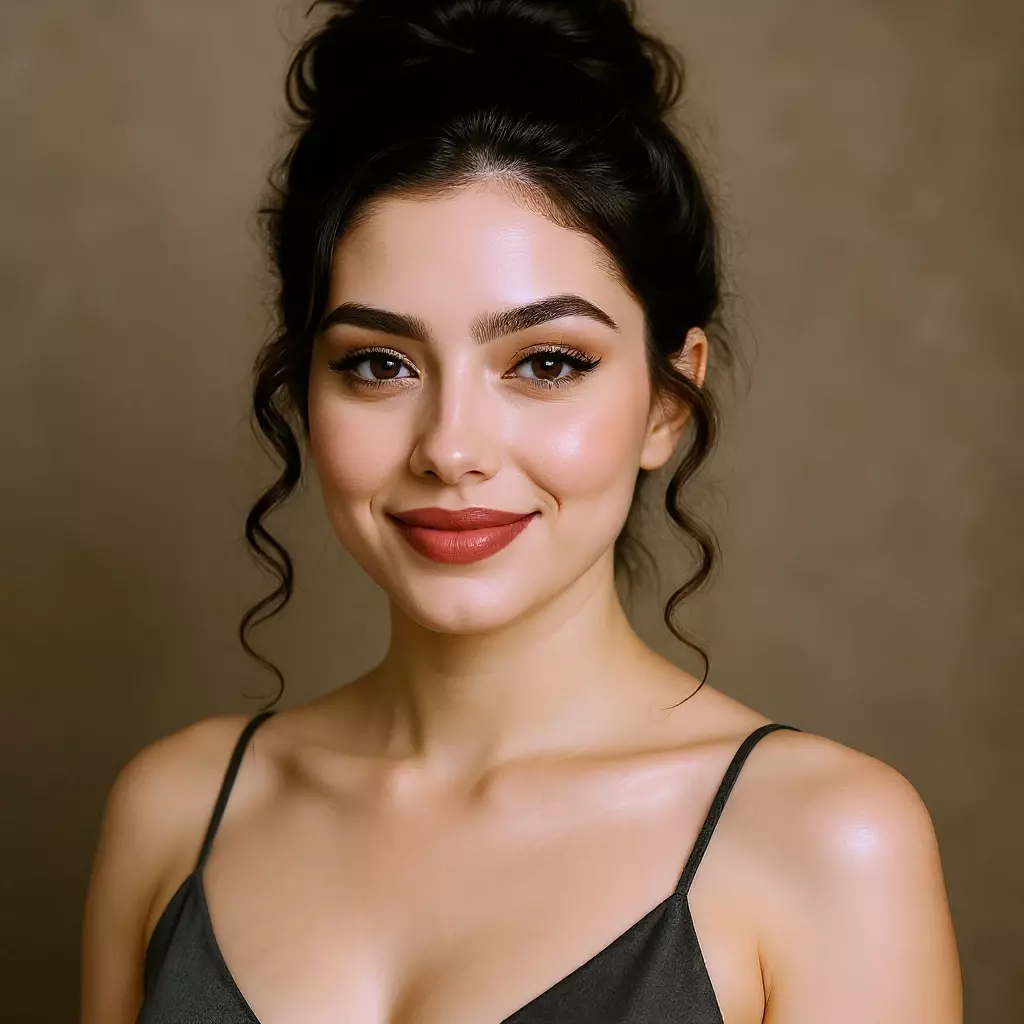
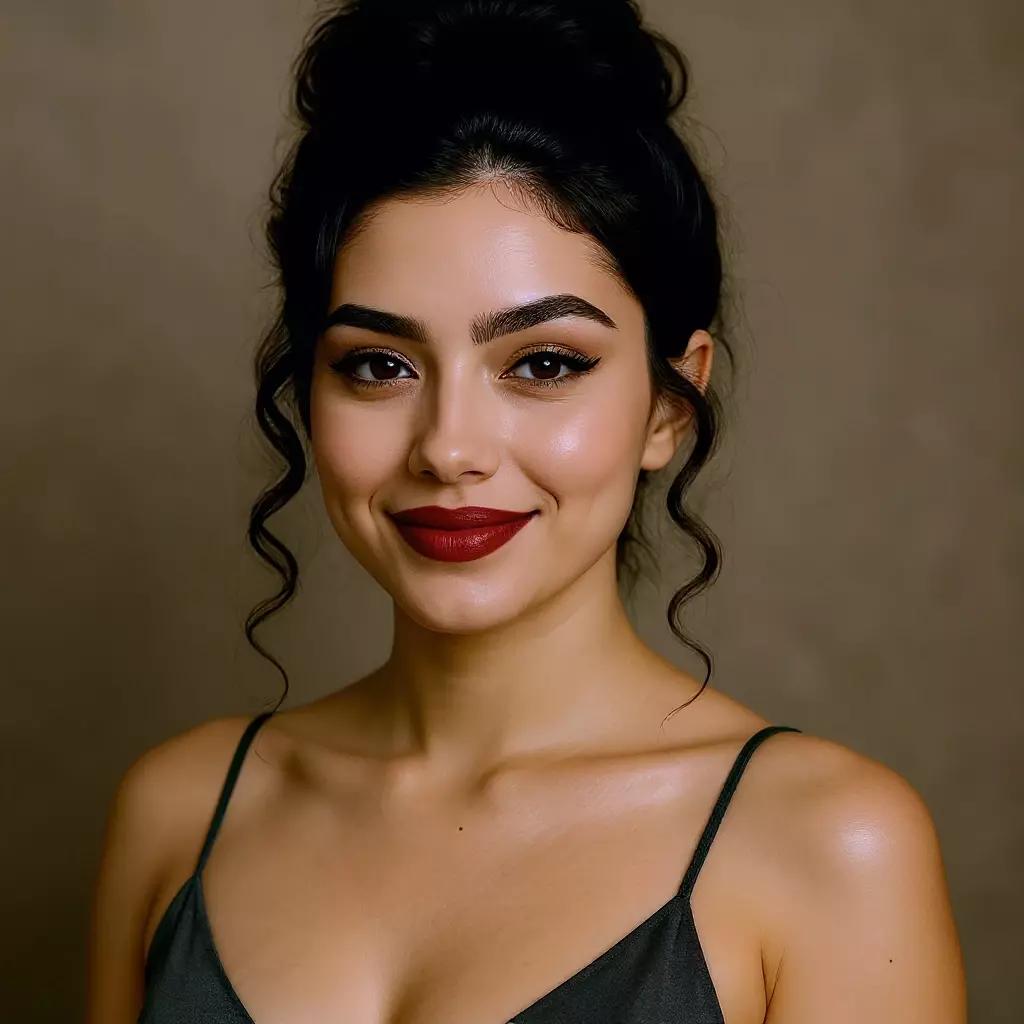
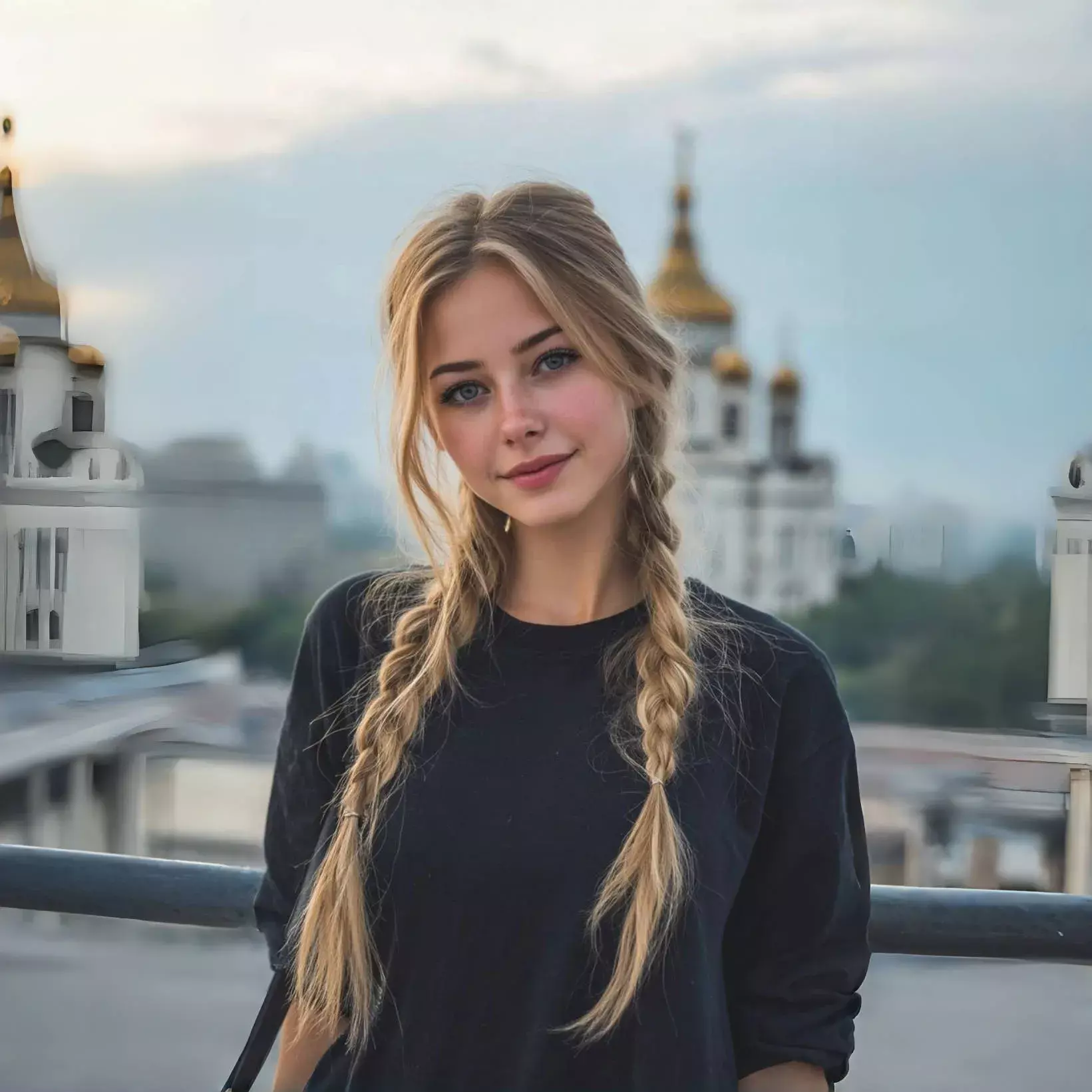
Changing skin color in photos has never been easier thanks to AI technology. The AI-powered skin color changer intelligently analyzes your images and allows you to modify skin tones without compromising natural texture or lighting. Whether you want subtle adjustments or dramatic changes, our tool makes it simple, fast, and accurate.
How to Use AI Skin Color Changer for Free
Get professional results in just three simple steps
1. Upload Your Photo
Drag and drop your image or click to select from your device. We support all major image formats.
2. Choose Skin Color & Process
Choose your prefer color and let our advanced AI analyze your photo, and generates a new skin color look in seconds.
3. Preview & Download
Preview your new skin color look. If you like the result, download your AI-generated look and share it anywhere.
Why Choose the Free AI Skin Color Changer?
Easily change your skin tone with advanced AI technology while keeping your privacy fully protected.
100% Privacy Protected
Your photos are processed directly in your browser and are never uploaded to our servers. Your privacy is fully guaranteed.
Fast and Efficient
Get your skin color transformation in just a few seconds using our optimized AI models and advanced processing.
Accurate Skin Tone Adjustment
AI models are trained to produce realistic skin tone changes with natural blending and consistent facial features.
Completely Free
No subscriptions, no hidden fees, and no watermarks. Unlimited skin color changes with full download rights.
Multiple Skin Tone Options
Choose from a wide range of skin tones, from fair to deep brown, with realistic and smooth results.
HD Quality Downloads
Download your transformed images in high-definition PNG or WebP format, perfect for sharing or saving.
Frequently Asked Questions
Everything you need to know about our AI skin color changer
How accurate is the AI skin color changer?
Our AI produces highly realistic skin tone changes while preserving facial features and natural skin textures. Results are based on thousands of tested transformations.
Is my photo data safe and private?
Absolutely. All photos are processed locally in your browser and are never uploaded. We don’t store, save, or share any personal images.
What photo formats are supported?
We support JPG, JPEG, PNG, and WebP formats with a maximum file size of 20MB. For best results, use clear, well-lit photos with the face fully visible.
Are there any limits on usage?
No hidden limits. You can change skin colors as many times as you like, completely free of charge.
Can I use the results commercially?
Yes, you have full rights to use, share, and download your AI-transformed images. No watermarks or restrictions apply.
How long does the transformation take?
Most transformations complete within a few seconds thanks to our optimized AI models. Complex images may take slightly longer.
What makes this skin color changer different?
It combines realistic skin tone transformations, complete privacy protection, instant results, and is completely free without subscriptions or hidden fees.
Can I choose any skin tone?
Yes! You can select from multiple skin tone options ranging from fair to deep brown, all rendered with realistic blending and natural appearance.
Try the Free AI Skin Color Changer Online!
Easily change your skin tone with our 100% free AI tool! Preview your new look instantly.